
Train your human firewall.
Interactive courses, real-world simulations and game mechanics that make people finish what they start. Assigned by company, tracked to the last answer.
- Dedicated learner portal
- XP, levels and lives
- Interactive simulations
 Real-world simulations
Explained after every answer
Real-world simulations
Explained after every answer
Assign interactive courses to company learners, let them practise on realistic simulations, and keep them coming back with XP, levels and streaks. Every answer lands in a profile and a scoreboard you can act on.
See the training platform.
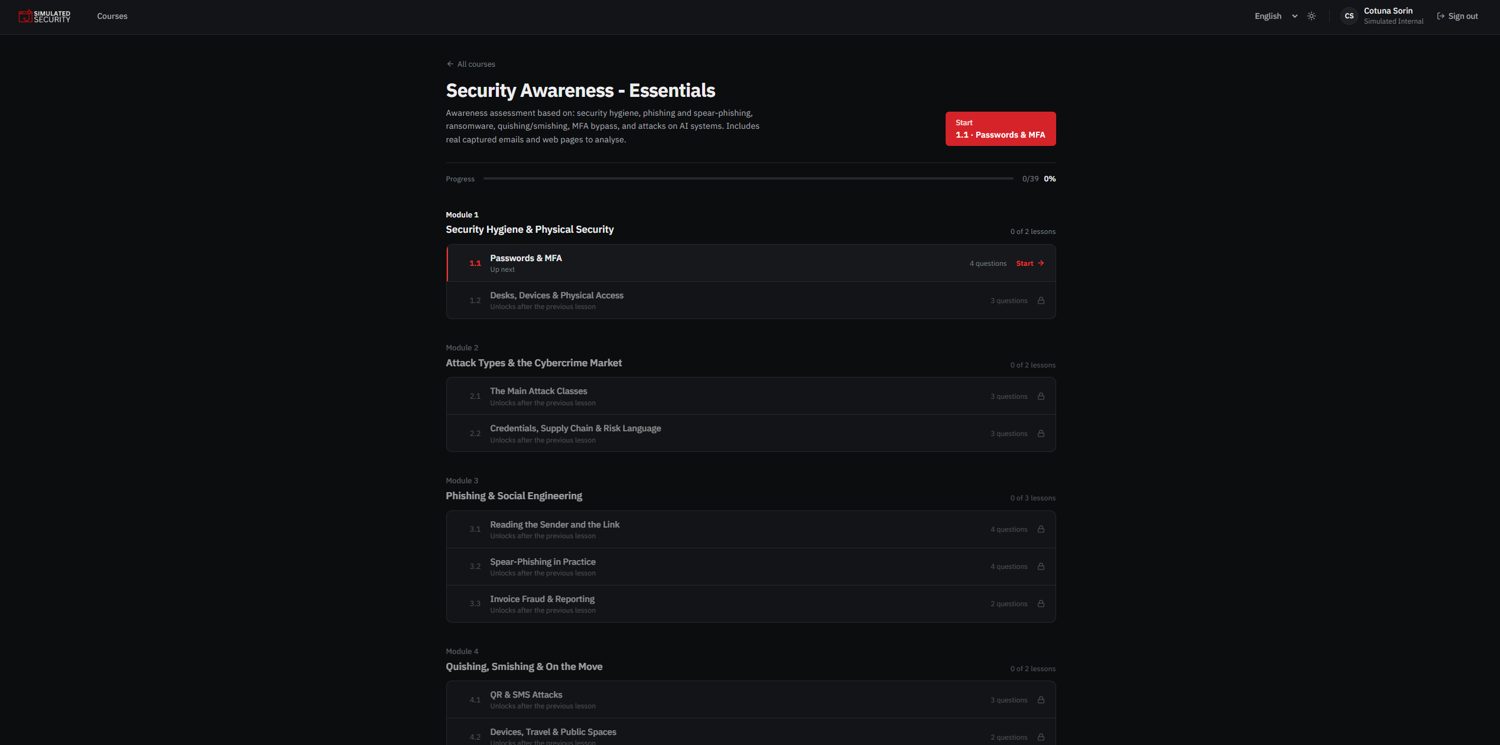
The learner app and the admin side, screen by screen. Click any screen to enlarge it, or present the whole tour full screen.
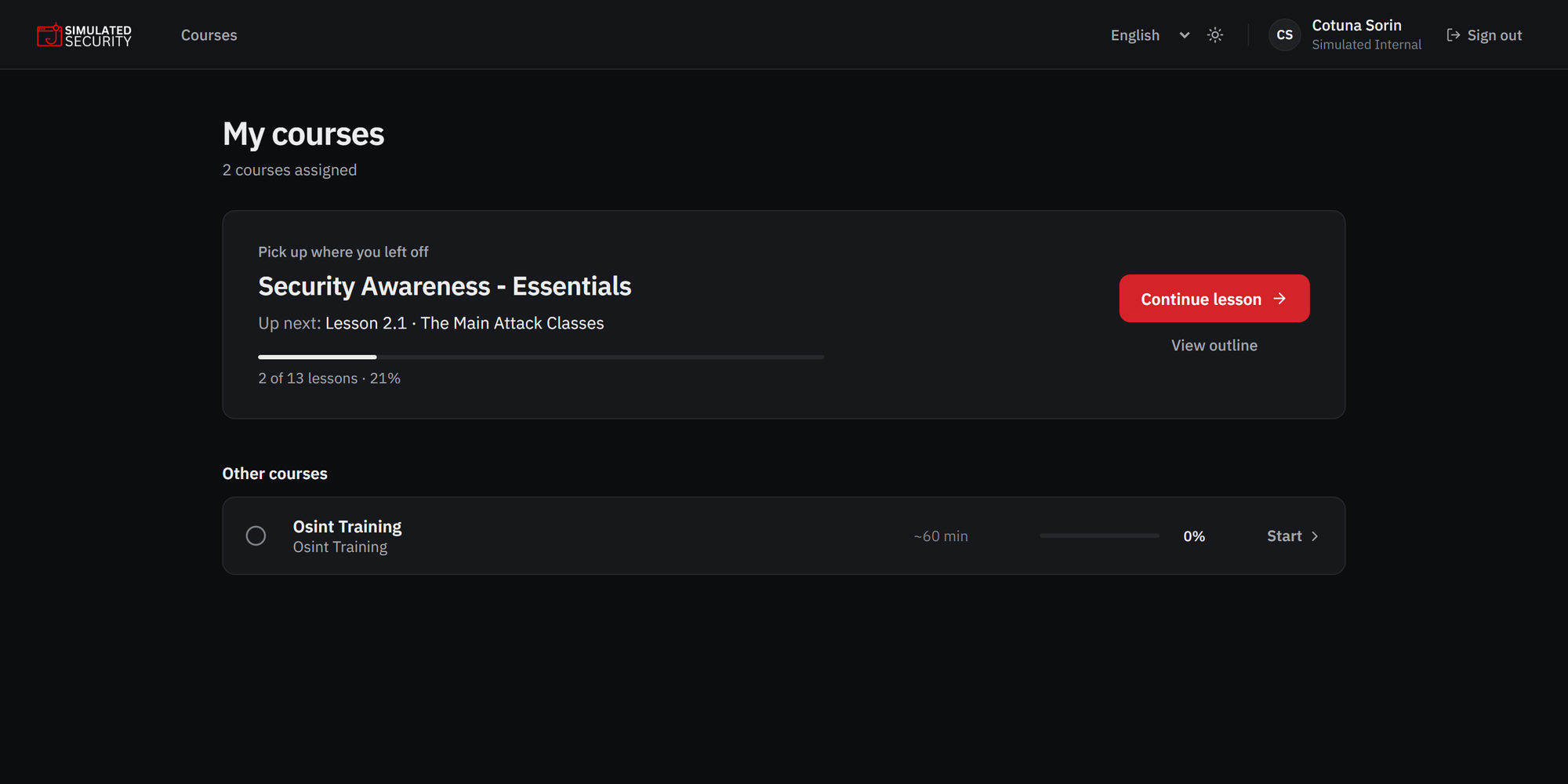
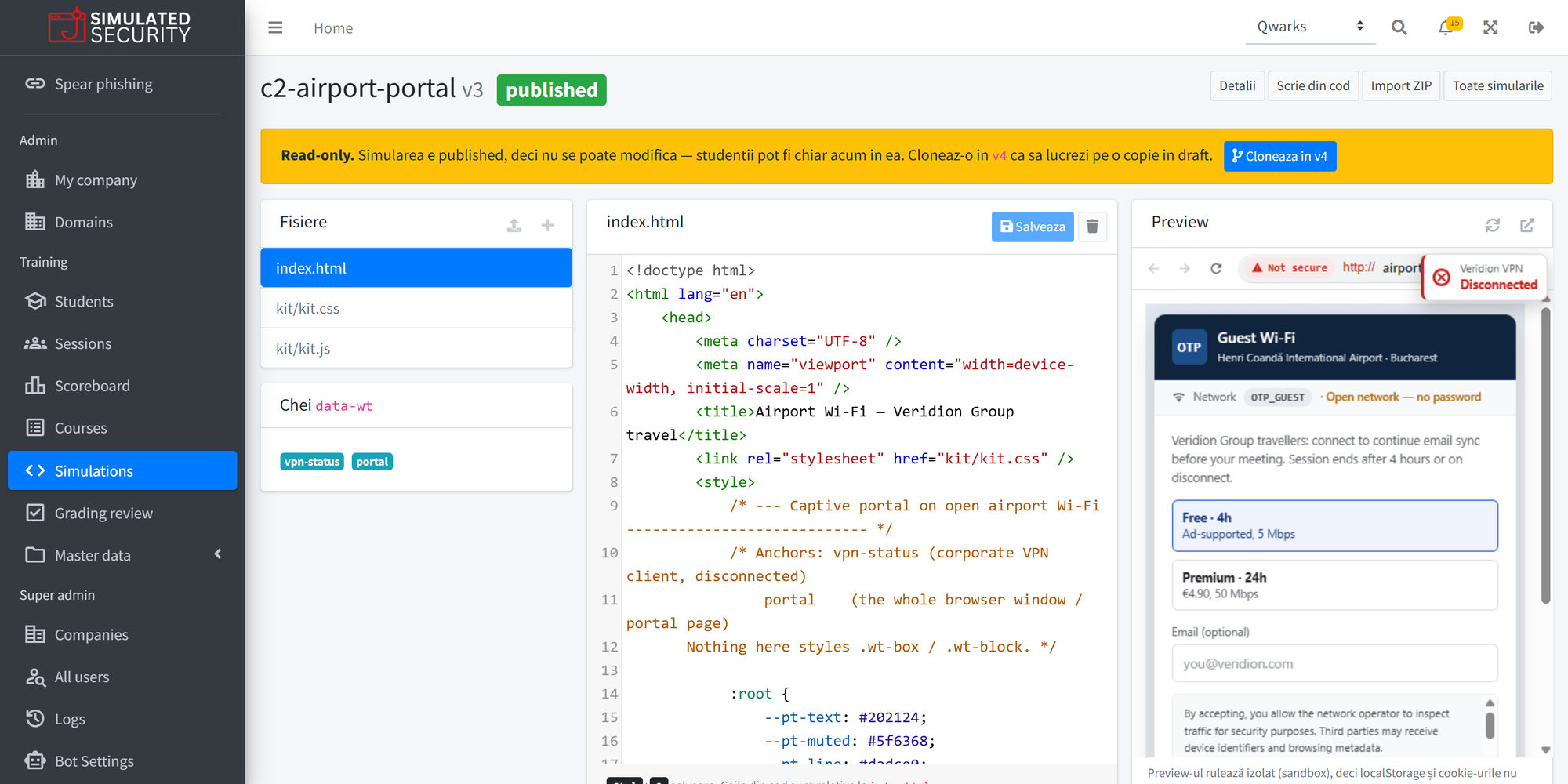
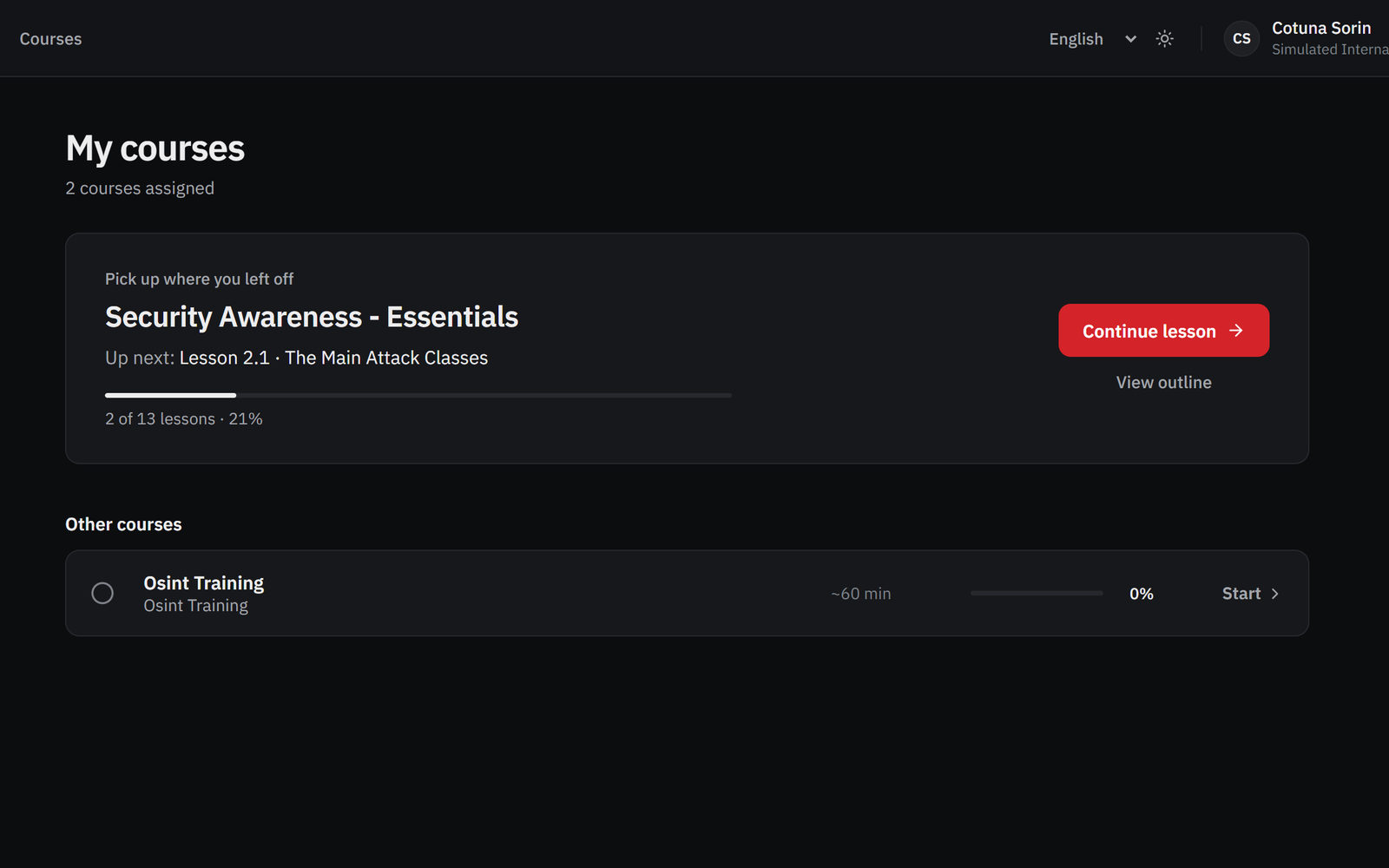
Every learner starts on their own course list.Assigned courses, progress and the next lesson. One click picks up where they left off.
A focused training portal for every learner.
Instead of navigating a broad admin platform, each learner enters a focused portal where they can see and complete the courses assigned to them by their company administrator.
- Dedicated learner accessA separate training application built for learning, not administration.
- Simple course experienceUsers log in, see their assigned courses and start learning immediately.
- Cleaner adoptionA focused environment reduces confusion and improves participation.
 Assigned course
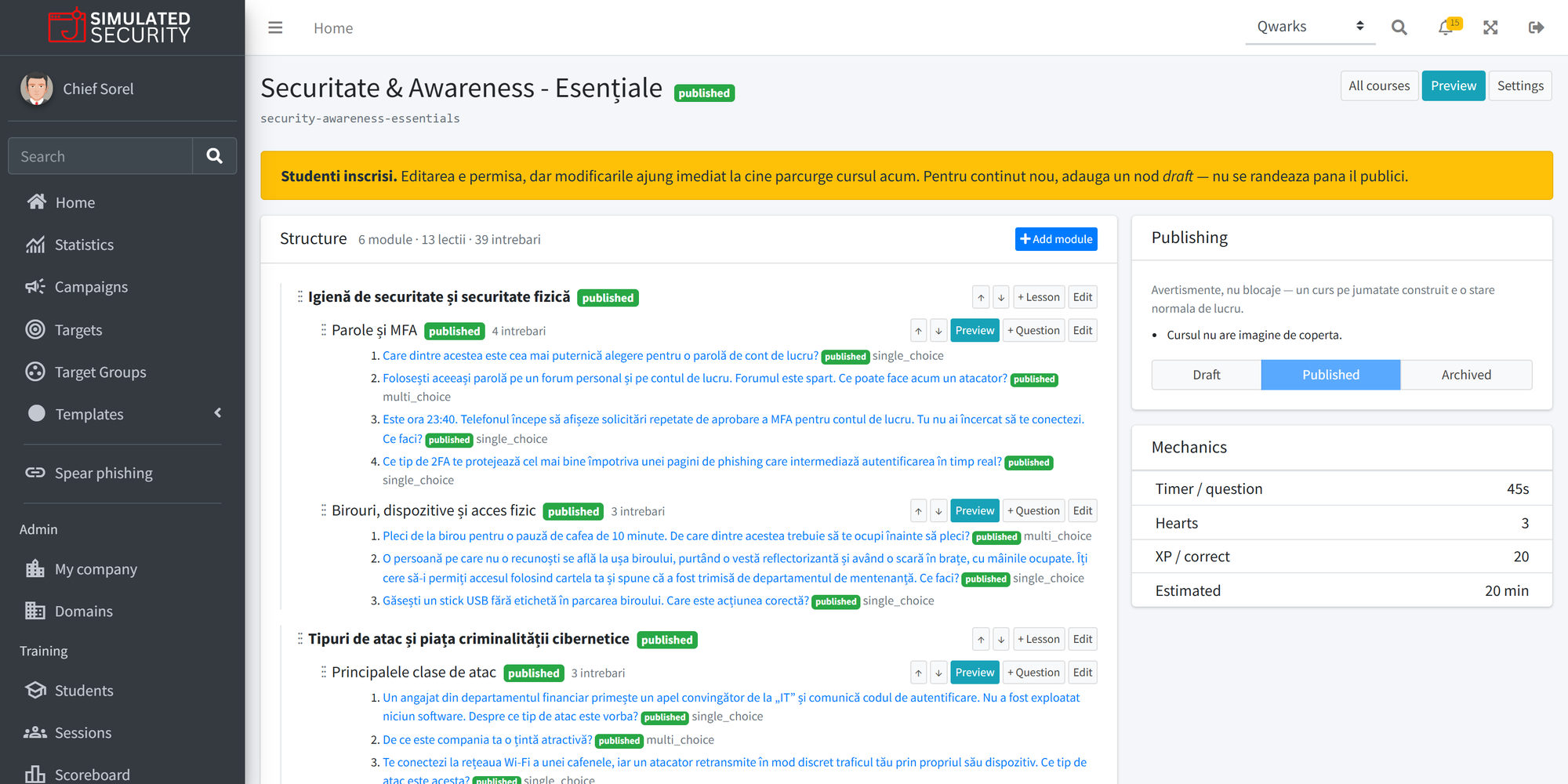
Assign the right courses to the right people.
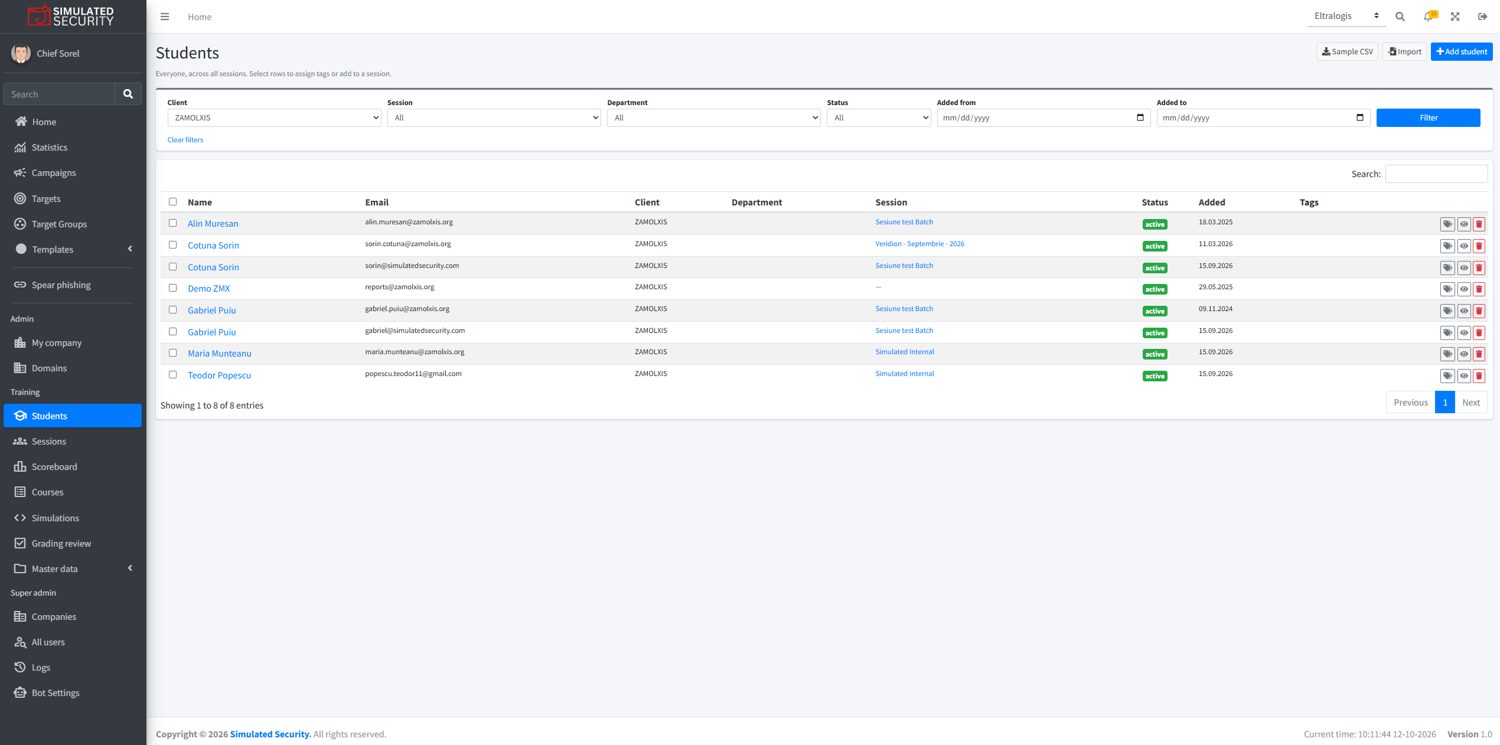
Administrators add learners to their company and assign courses across teams, departments or user groups, so you can run structured awareness programs at any scale.
- Add learners to the companyBring students in under the correct organizational structure.
- Assign courses with controlDecide which learners receive which training content.
- Train at scaleSupport awareness programs across many users in one company.
 Company learners
Training people actually want to finish.
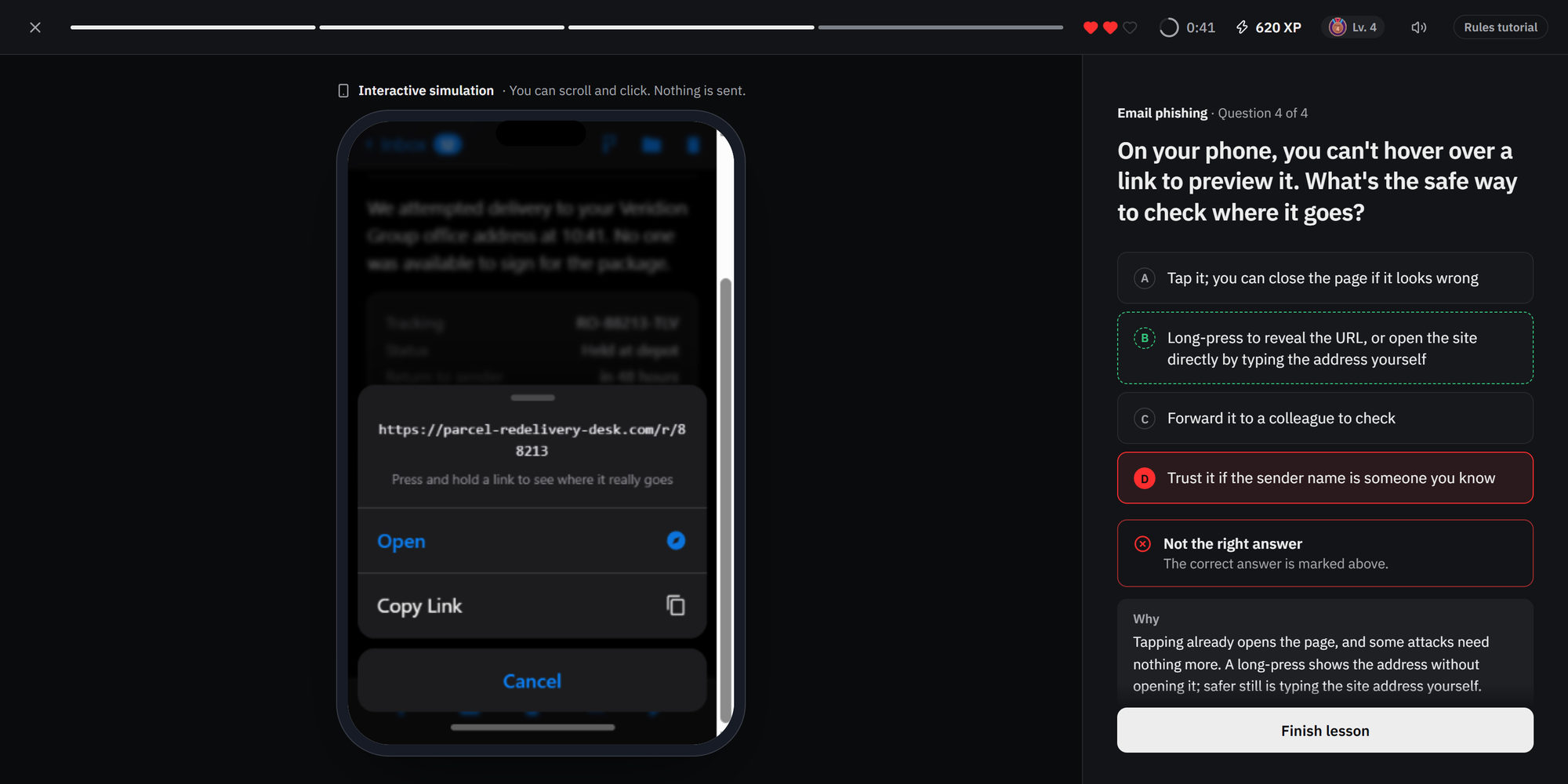
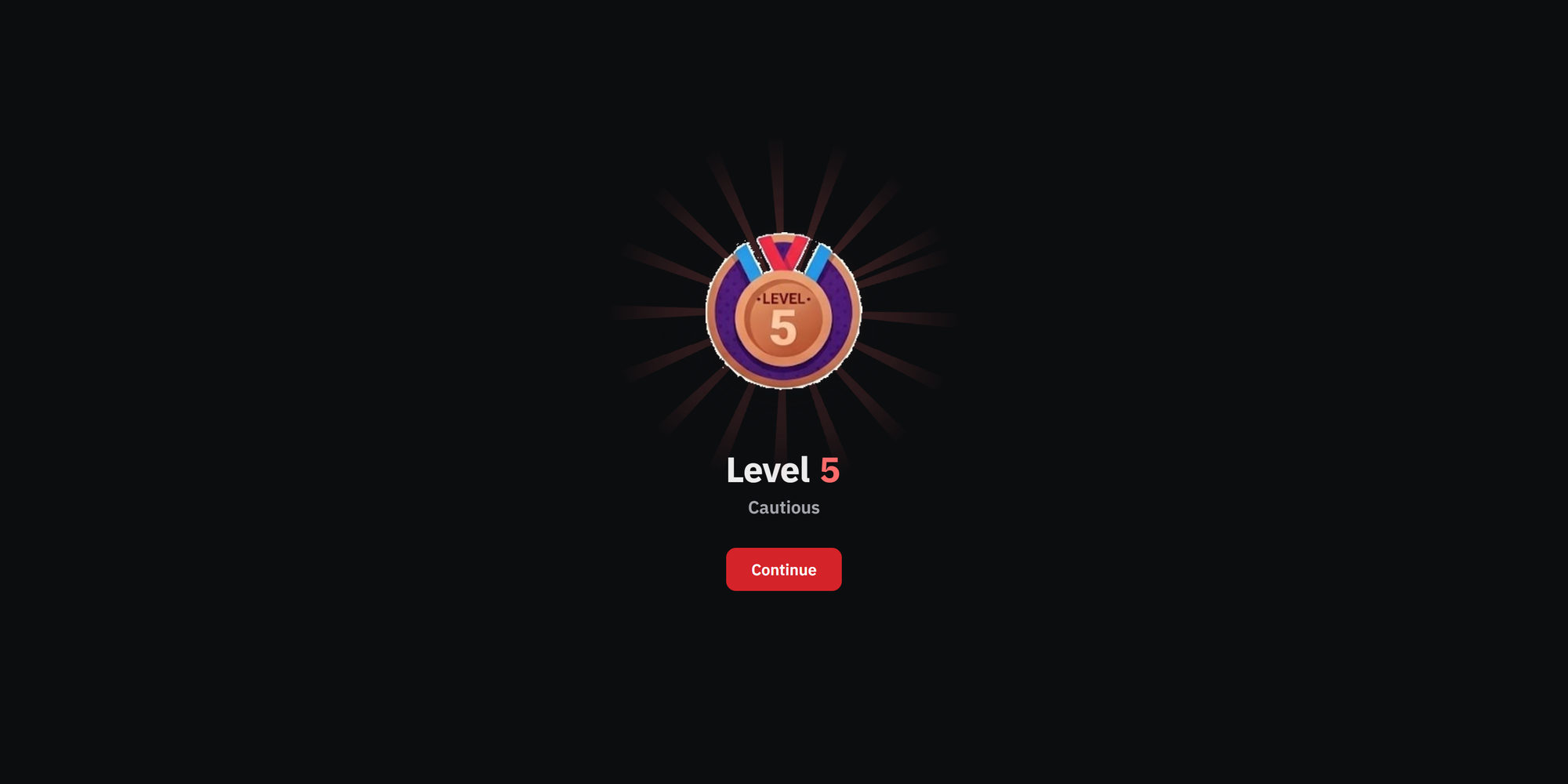
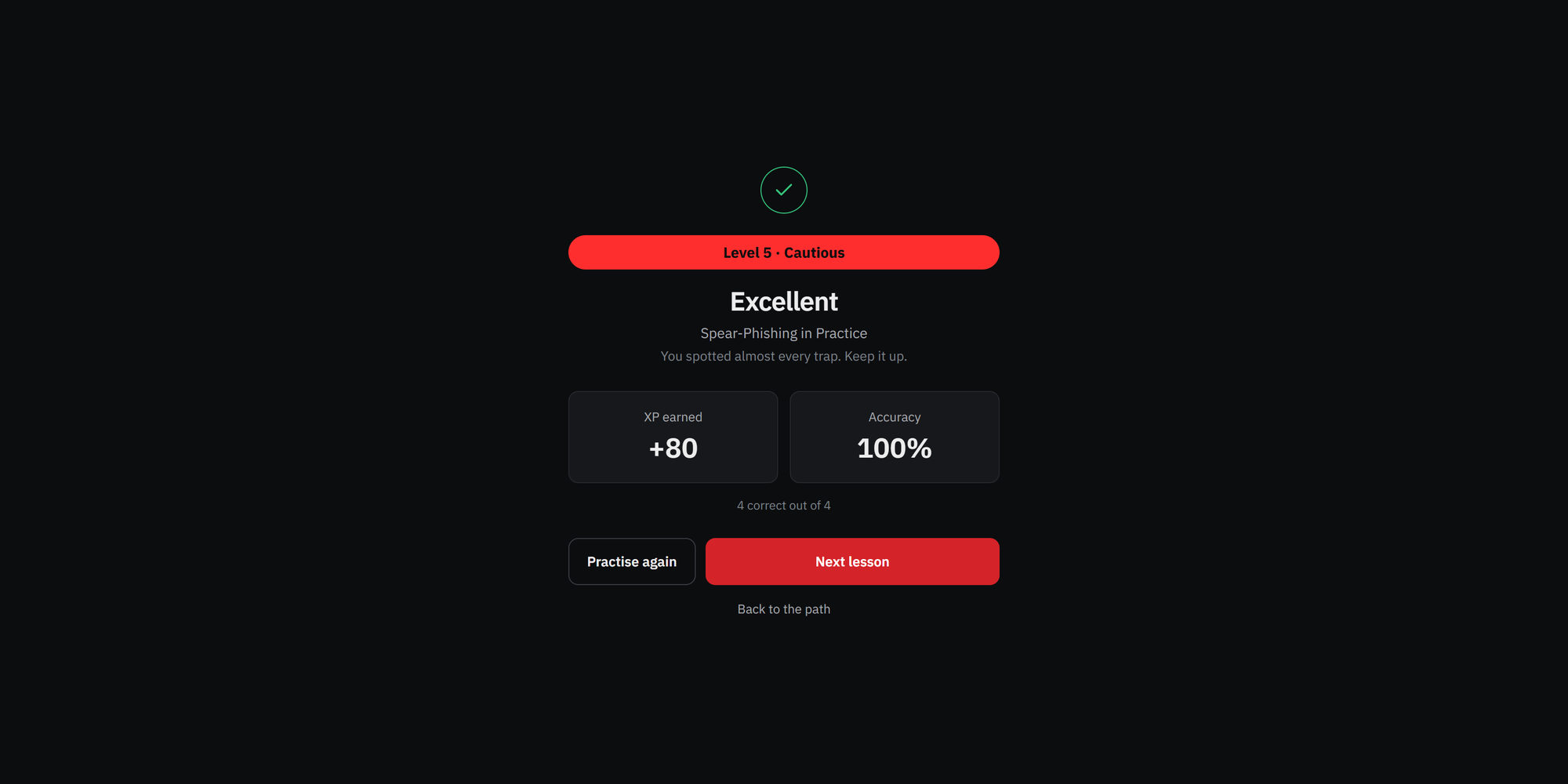
Every correct answer earns XP. XP unlocks levels. Lives and a timer keep every question honest. The loop that keeps people coming back to language apps, pointed at phishing.
to me
Hi, our records show invoice INV-20931 (€4,860.00) is 14 days overdue.
To avoid a late fee, please settle it today using the updated payment details in the attached file.
INV-20931.pdfEmail phishing · Question 3 of 5
Which detail gives this email away?
Level 3
- XP for every correct answerXP adds up from lesson to lesson and never goes down, not even after a mistake.
- 30 levels with their own insigniaFrom Beginner to Legend. Rename the levels or upload your own insignia for each one.
- Lives and a timerA wrong answer or a time-out costs a life. At zero the lesson starts over, the XP stays.
- Perfect runs and clear verdictsEvery lesson ends as Excellent, Good or Worth repeating, so people know where they stand.
- 1Beginner0 XP
- 2Novice100 XP
- 3Curious250 XP
- 4Attentive450 XP
- 5Cautious700 XP
- 6Skeptic1,000 XP
- 7Observer1,350 XP
- 8Vigilant1,750 XP
- 9Watcher2,200 XP
- 10Sentinel2,700 XP
- 11Scout3,250 XP
- 12Spotter3,850 XP
- 13Detective4,500 XP
- 14Investigator5,200 XP
- 15Analyst5,950 XP
- 16Specialist6,750 XP
- 17Technician7,600 XP
- 18Tactician8,500 XP
- 19Strategist9,450 XP
- 20Expert10,450 XP
- 21Veteran11,500 XP
- 22Instructor12,600 XP
- 23Mentor13,750 XP
- 24Advisor14,950 XP
- 25Commander16,200 XP
- 26Custodian17,500 XP
- 27Guardian18,850 XP
- 28Protector20,250 XP
- 29Master21,700 XP
- 30Legend23,200 XP
A security CV for every learner.
Each person gets a profile that grows with every answer: their level, XP, accuracy and streak, progress by category, and a map of the attack types they spot best and worst.
- Strengths by attack typeEmail, SMS, fake pages, passwords, attachments, social engineering: one radar shows where the gaps are.
- Built from real answersEvery number on the profile is calculated from answers, never estimated.
- Private to the learnerPeople see their own progress, not anyone else’s.
- total XP
- 1,520
- Accuracy
- 86.4%
- Streak · days
- 12
- Courses completed
- 3/5
Progress by category
- Email security18/20
- Passwords and accounts12/16
- Social engineering9/14
- Mobile and messaging6/12
Activity over the last 7 days
- 6M
- 11T
- W
- 8T
- 14F
- 9S
- 5S
Strengths by question type
A scoreboard built to help, not to shame.
No podium, no medals. Trainers sort a training series by XP, accuracy, level or courses and see straight away who needs help.
- Filter by training series, sort by any column
- Accuracy under 70% is flagged in red
- Export the same view to CSV
- Learners never see a ranking
| lifetime | lifetime | series | series | series | Last answerseries |
|---|
Open a simulation the way your people see it.
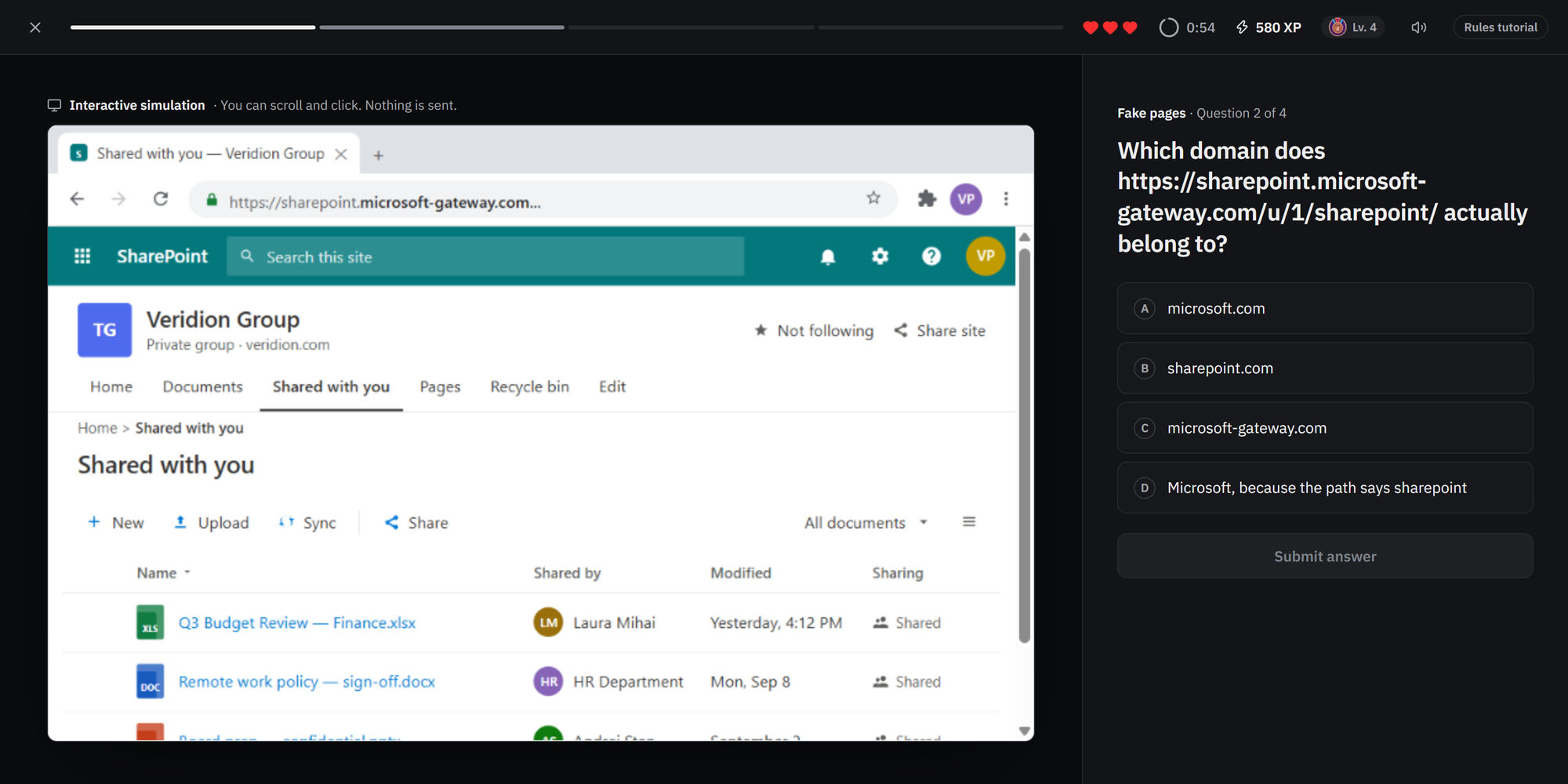
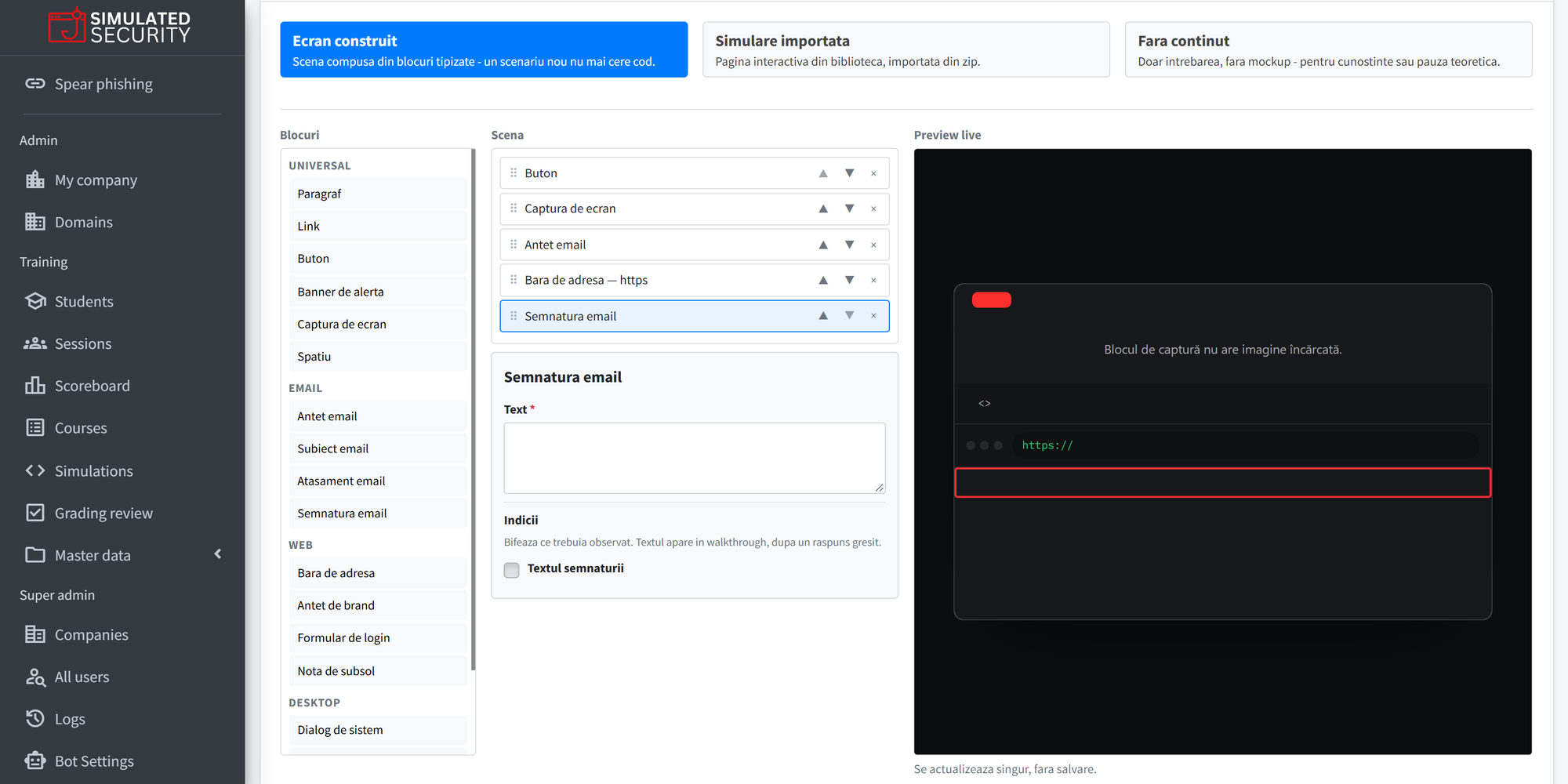
Lessons embed realistic pages: an inbox, an SMS thread, a sign-in screen, a pop-up. Learners investigate first, then answer. Every one comes with clues that point to the trap.
No simulations in this category yet.
Content for every awareness need.
Educate users based on role, risk and business need, from foundational awareness to more targeted learning scenarios.
Foundational awareness
The core habits every employee needs, from passwords and MFA to spotting a suspicious message.
Behavioral security
Training built to change what people do, not just what they know, through realistic practice.
Role-relevant learning
Target content to the risks each team actually faces, so training stays relevant to the job.
Ongoing education
Keep awareness fresh with a steady program rather than a once-a-year checkbox.
Do learners need a separate login?
Learners use a dedicated training application, separate from the admin platform. They join from a personal link in their invitation email and an access code, with no password to create.
Do learners see a leaderboard?
No. Each learner sees only their own profile and progress. Trainers see a scoreboard per training series, to find out who needs help.
Can we rename the levels or use our own insignia?
Yes. Level names are optional and translatable, and every level can carry an insignia you upload.
What is a simulation?
An interactive page inside a lesson: an inbox, a text thread, a sign-in screen or a pop-up. Learners look for the trap, answer, and then see clues on the exact spot they should have noticed. Nothing typed into a simulation is sent anywhere.
Who assigns the courses?
Company administrators add learners, group them into training series and decide which courses each series receives.
Turn awareness into a habit.
Assign interactive courses, track every answer and build a workforce that spots the attack before it lands.